

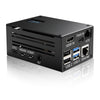
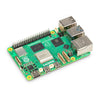
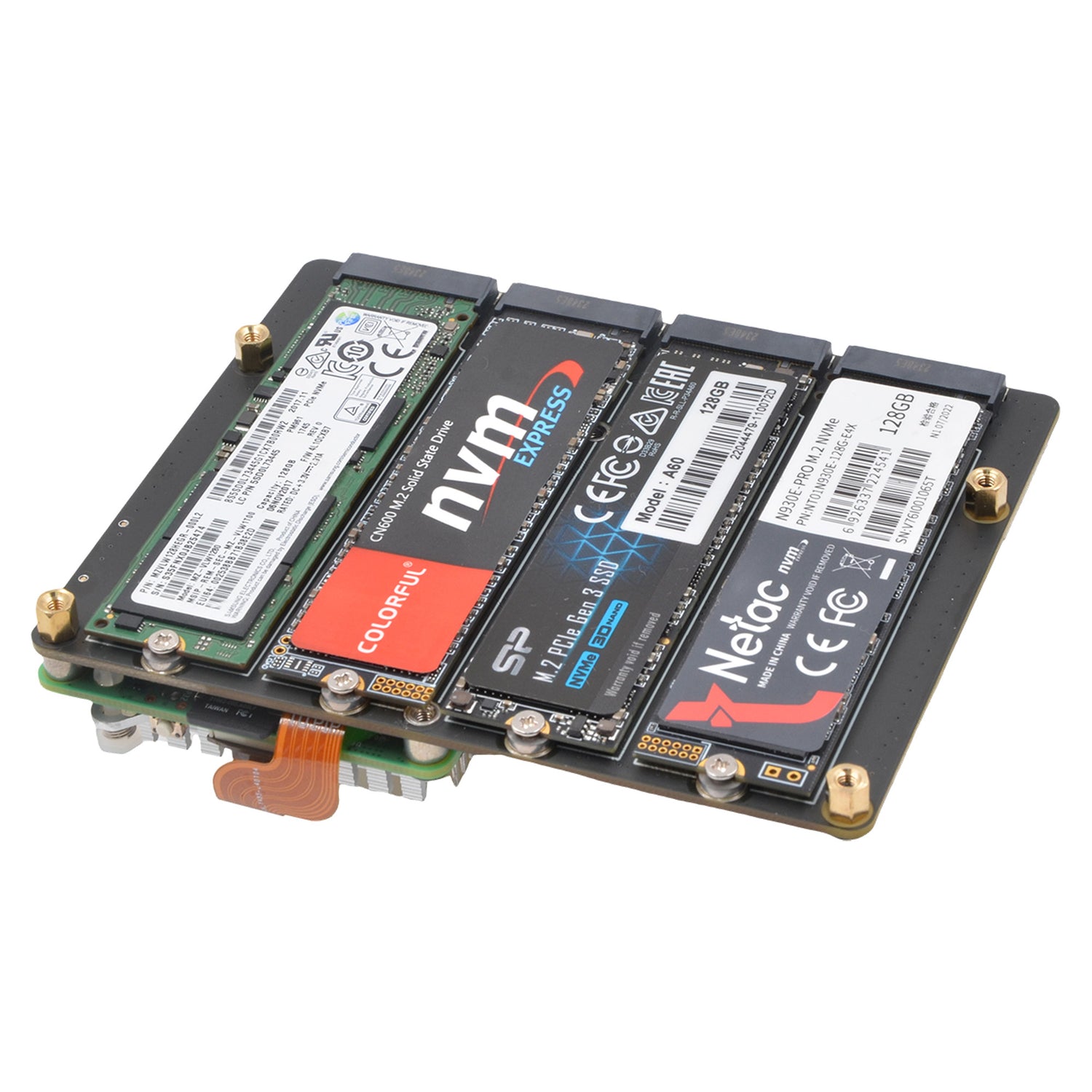



Geekworm X1004 Dual M.2 2280 NVMe HAT no nvme getting detected.
-
hello.
i have rpi5 16b model and have newly bought Geekworm X1004 Dual M.2 2280 NVMe HAT from robu.in and i have 2 nvme 1 tb crucial p3 plus and second nvme 2 tb p3 crucial plus nvme both work well on other rpi on pironman case buty not getting recognised on geekworm hat. i am using 45w official rasberry pi power supply. not sure what can be issue! tried updtaing eeprom but no luck
here is output from rpi
abhi@raspberrypi:~ $ lspci
dmesg | grep -i nvme
0001:00:00.0 PCI bridge: Broadcom Inc. and subsidiaries BCM2712 PCIe Bridge (rev 21)
0001:01:00.0 PCI bridge: ASMedia Technology Inc. ASM1182e 2-Port PCIe x1 Gen2 Packet Switch
0001:02:03.0 PCI bridge: ASMedia Technology Inc. ASM1182e 2-Port PCIe x1 Gen2 Packet Switch
0001:02:07.0 PCI bridge: ASMedia Technology Inc. ASM1182e 2-Port PCIe x1 Gen2 Packet Switch
0002:00:00.0 PCI bridge: Broadcom Inc. and subsidiaries BCM2712 PCIe Bridge (rev 21)
0002:01:00.0 Ethernet controller: Raspberry Pi Ltd RP1 PCIe 2.0 South Bridge
[ 0.000000] Kernel command line: reboot=w coherent_pool=1M 8250.nr_uarts=1 pci=pcie_bus_safe cgroup_disable=memory numa_policy=interleave nvme.max_host_mem_size_mb=0 numa=fake=8 system_heap.max_order=0 iommu_dma_numa_policy=interleave smsc95xx.macaddr=D8:3A:DD:C0:B7:A7 vc_mem.mem_base=0x3fc00000 vc_mem.mem_size=0x40000000 console=ttyAMA10,115200 console=tty1 root=PARTUUID=dad5fb49-02 rootfstype=ext4 fsck.repair=yes rootwait quiet splash plymouth.ignore-serial-consoles cfg80211.ieee80211_regdom=IN
abhi@raspberrypi:~ $
2 tvb connected via usb works but does not works on nvme drive
abhi@raspberrypi:~ $ lsblk
NAME MAJ:MIN RM SIZE RO TYPE MOUNTPOINTS
loop0 7:0 0 2G 0 loop
sda 8:0 0 1.8T 0 disk
├─sda1 8:1 0 200M 0 part
└─sda2 8:2 0 1.8T 0 part
mmcblk0 179:0 0 58.2G 0 disk
├─mmcblk0p1 179:1 0 512M 0 part /boot/firmware
└─mmcblk0p2 179:2 0 57.7G 0 part /
zram0 254:0 0 2G 0 disk [SWAP]
abhi@raspberrypi:~ $abhi@raspberrypi:~ $ lsblk -o NAME,MODEL,TRAN,SIZE,MOUNTPOINT
NAME MODEL TRAN SIZE MOUNTPOINT
loop0 2G
sda CT2000P3PSSD8 usb 1.8T
├─sda1 200M
└─sda2 1.8T
mmcblk0 mmc 58.2G
├─mmcblk0p1 mmc 512M /boot/firmware
└─mmcblk0p2 mmc 57.7G /
zram0 2G [SWAP]
-
